
Your brand
Scan your brand
Turn a website into reusable brand context.
Have the website URL that represents the brand you want to create marketing for.
Choose a brand or add a website
Use Switch in the sidebar to choose a saved brand. To scan another website, choose + Add a website (inside Switch, and on Website scans) or Scan a different site (under the brand card).
Scan the website
Enter the URL and choose Scan website.
When the scan finishes, you return to Home. The Website scan card under Context loaded says Loaded.
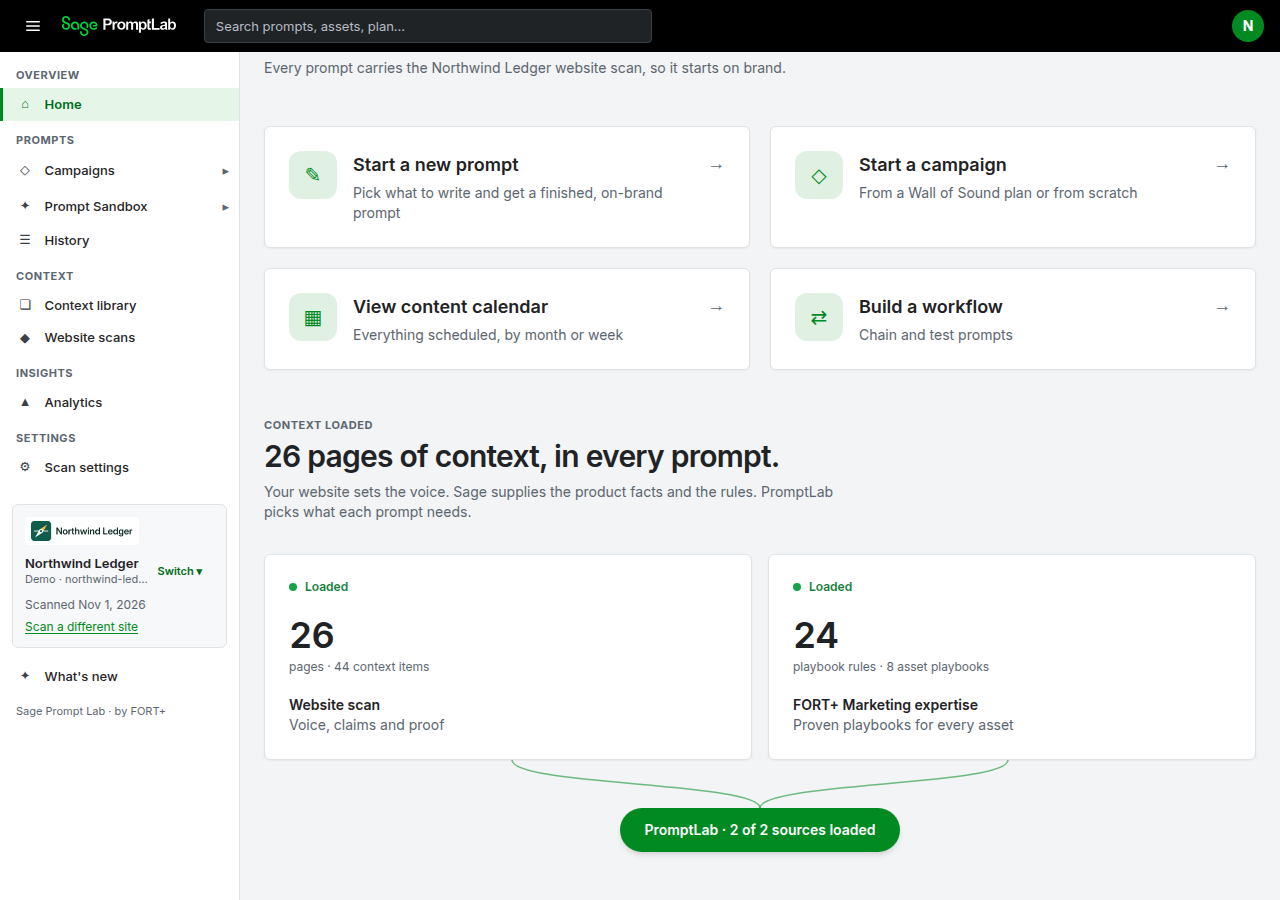
Northwind Ledger is a fictional demo brand. On Home, the Website scan card under Context loaded says Loaded. This prepared demo is not the 6-page default of a new scan. Review before you campaign
Continue with Review and correct the scan, then Edit your brand. Editing the scan for accuracy is required before Create your first campaign.