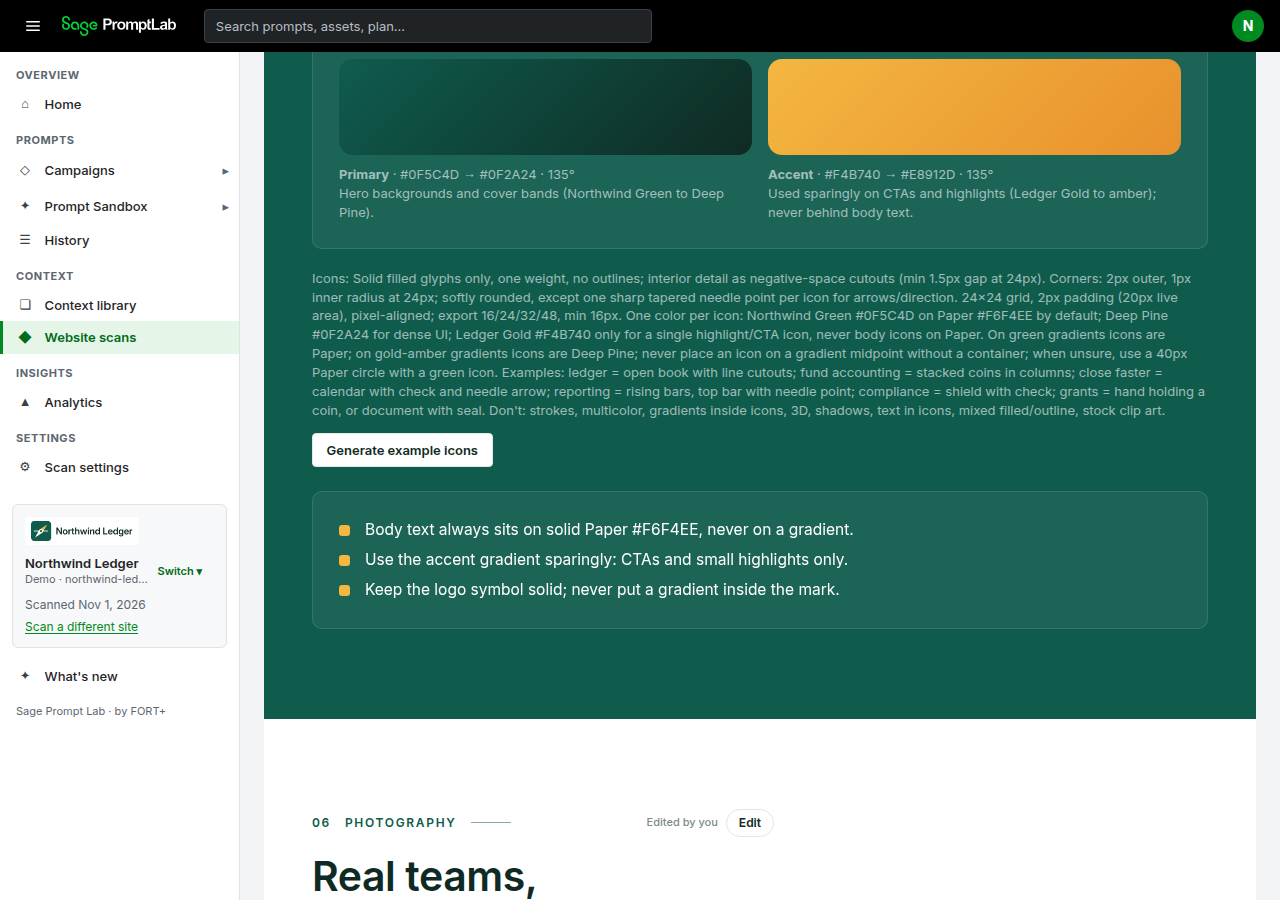
Manual example icons on Visual Language, and the automatic icon set that is not live yet.
Generate example icons
On the Website scan tab, open Visual Language. When an icon style is written, the section shows Icons: followed by that note.
Generate example icons draws example icons from that style. If examples already exist, the same control reads Regenerate example icons. Examples that exist are headed Example icons (AI generated).
Northwind Ledger is a fictional demo brand. Visual Language shows the icon notes, then Generate example icons. Those examples are not the logo.
The button is shown when an icon style is already written. To change the notes, use Edit on Visual Language. The field is Icon style. The other fields in that editor are on Edit your brand.